Quick Help#
The Quick Help feature provides a centralized support interface within the platform, enabling users to navigate features and access guidance for “How to” questions and other concerns related to using the feature. It is designed to support users in understanding functionality, exploring workflows, and referencing relevant resources without interrupting their current tasks. By consolidating documentation, tutorials, and learning materials into a single interface, Quick Help improves usability and reduces the effort required to locate information.
Accessing Quick Help#
To access Quick Help, click on the Help (Question Mark) icon located at the top right corner of the page.
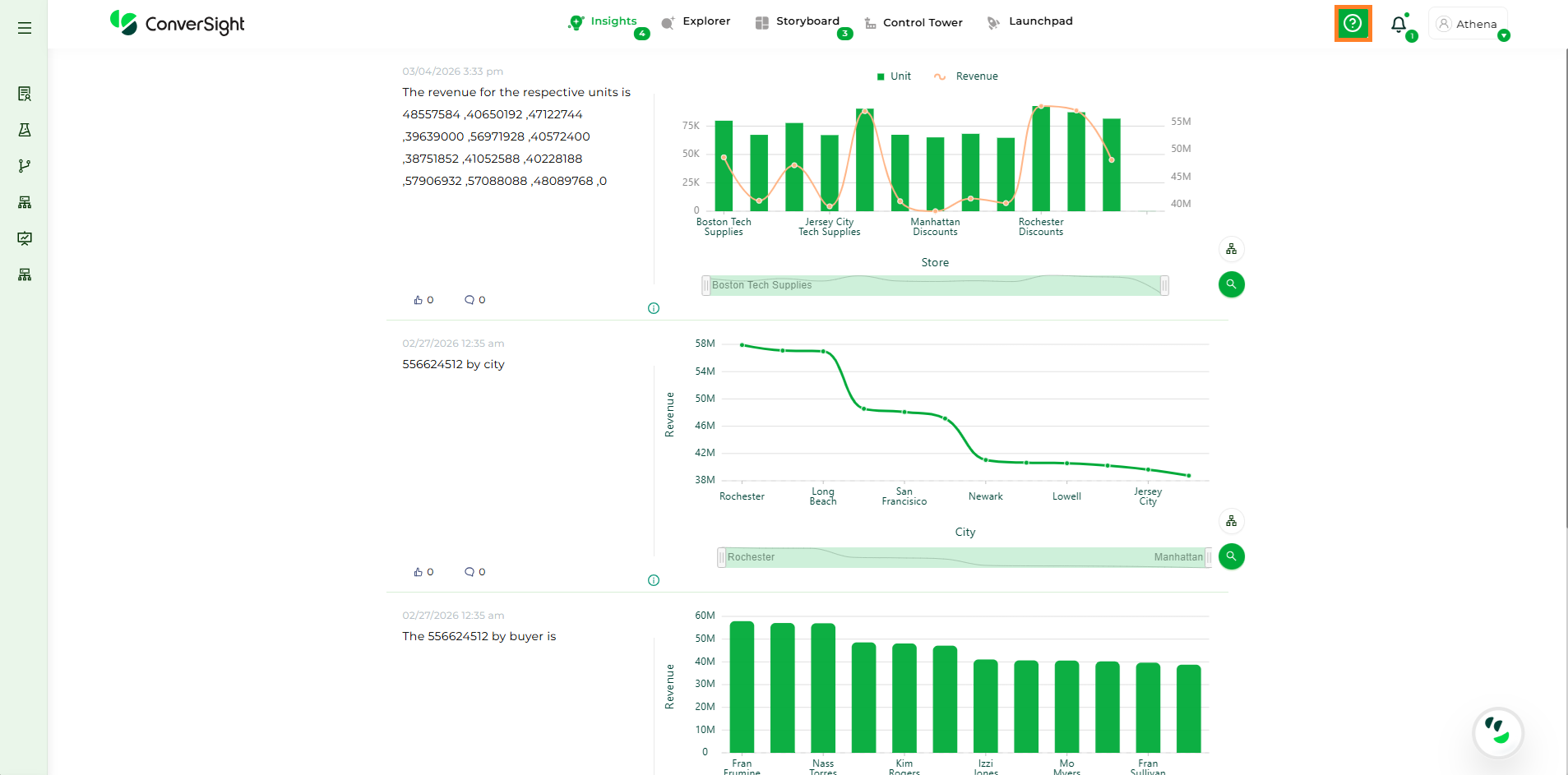
Quick Help Icon#
Upon clicking, a new browser tab opens the Help Center, providing a dedicated environment to explore support content. This ensures that users can review guidance and documentation without losing context from their current workspace.
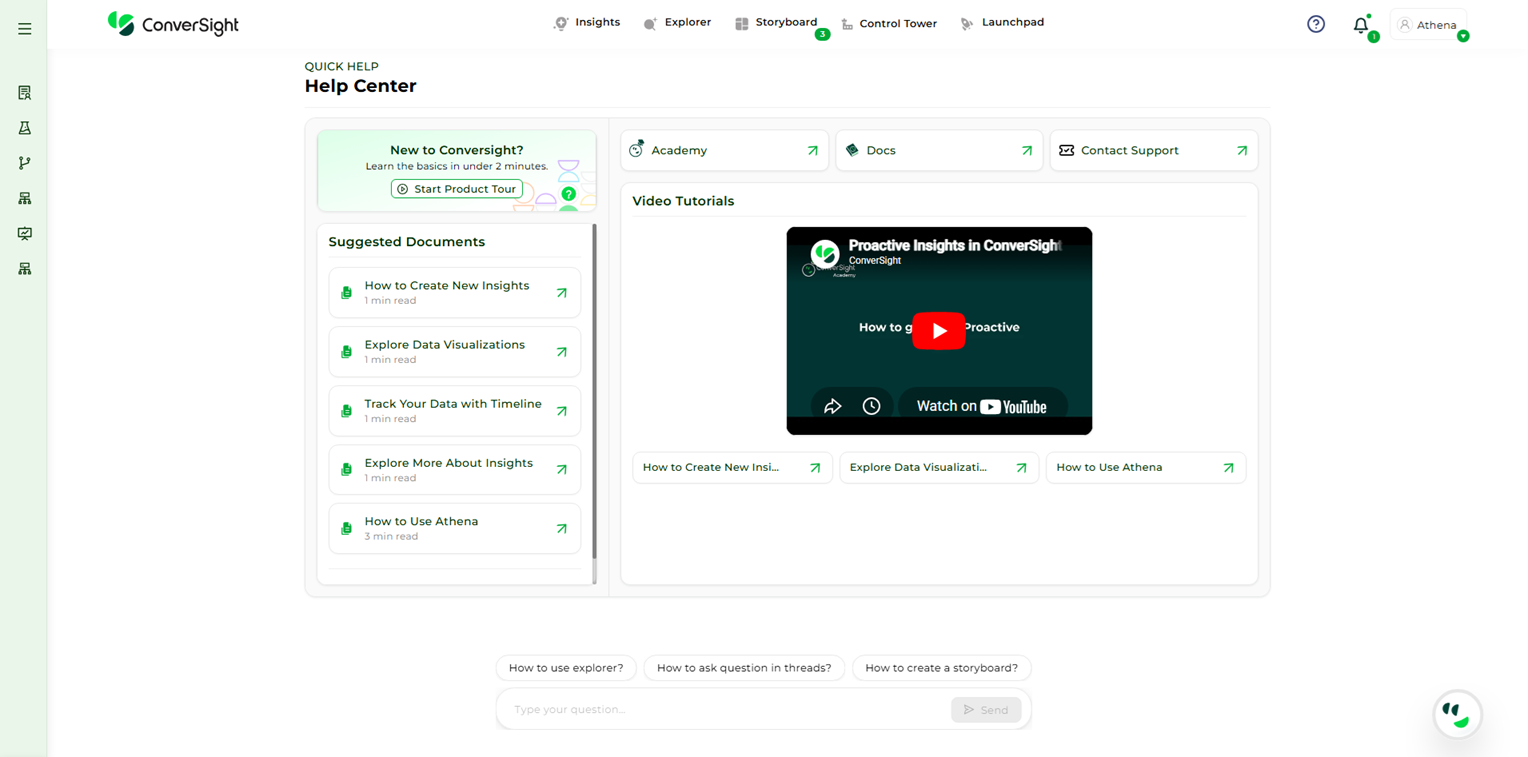
Help Center#
Getting Started#
The New to ConverSight section is intended for first-time users and provides a structured entry point into the platform. It includes the Start Product Tour, which delivers a guided walkthrough of key features, navigation elements, and core workflows. This helps users quickly build foundational understanding and begin using the platform with minimal onboarding effort.
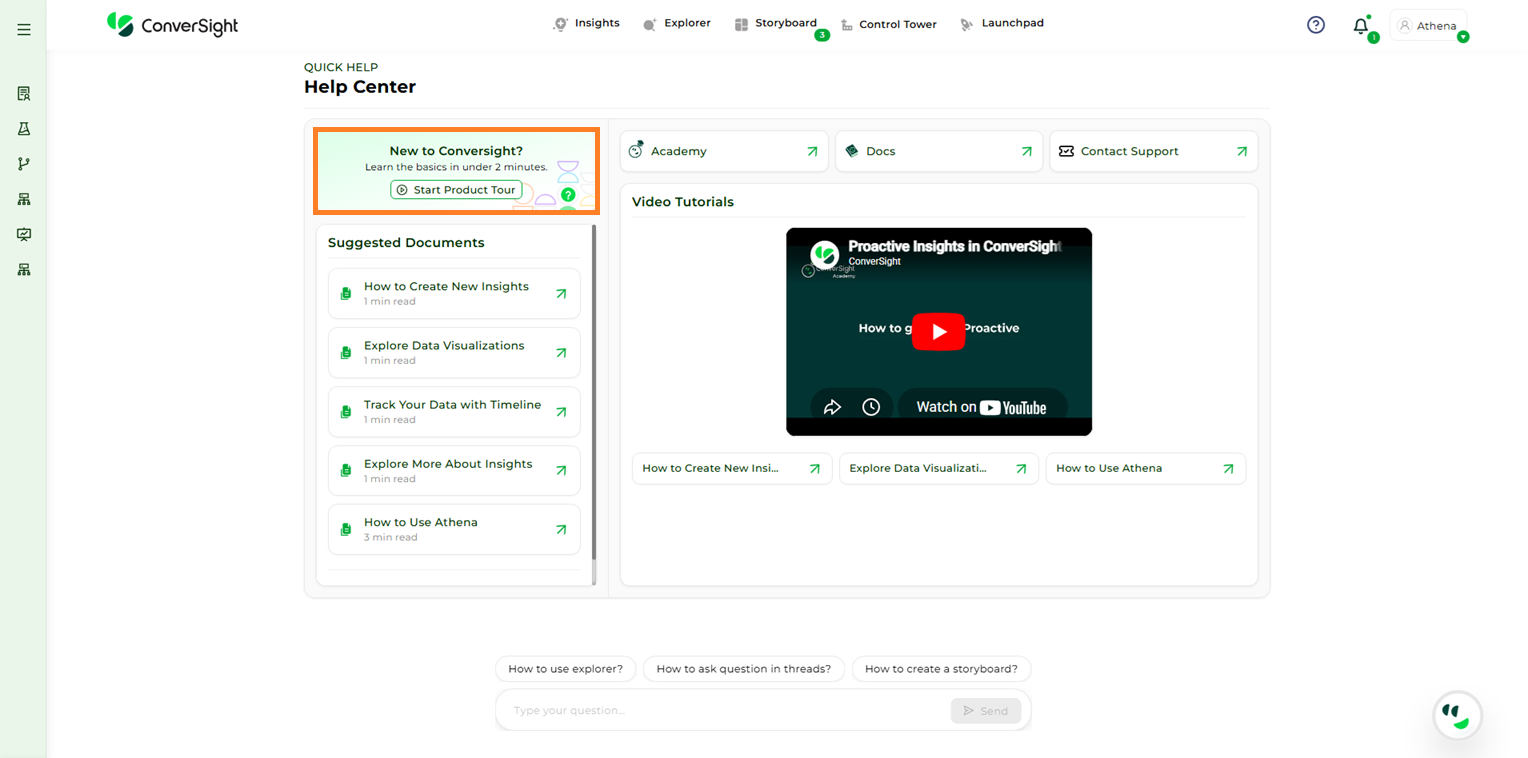
Start Product Tour#
Suggested Documents#
The Suggested Documents section provides detailed written guidance to help users understand and use the features of the platform effectively. It includes clear explanations, step by step instructions, and structured guidelines covering different functionalities across ConverSight.
In addition to feature usage, this section also includes helpful tips, examples, and troubleshooting guidance to support users during implementation and daily usage. It is especially useful for users who prefer a text-based learning approach or need a reliable reference for deeper understanding.
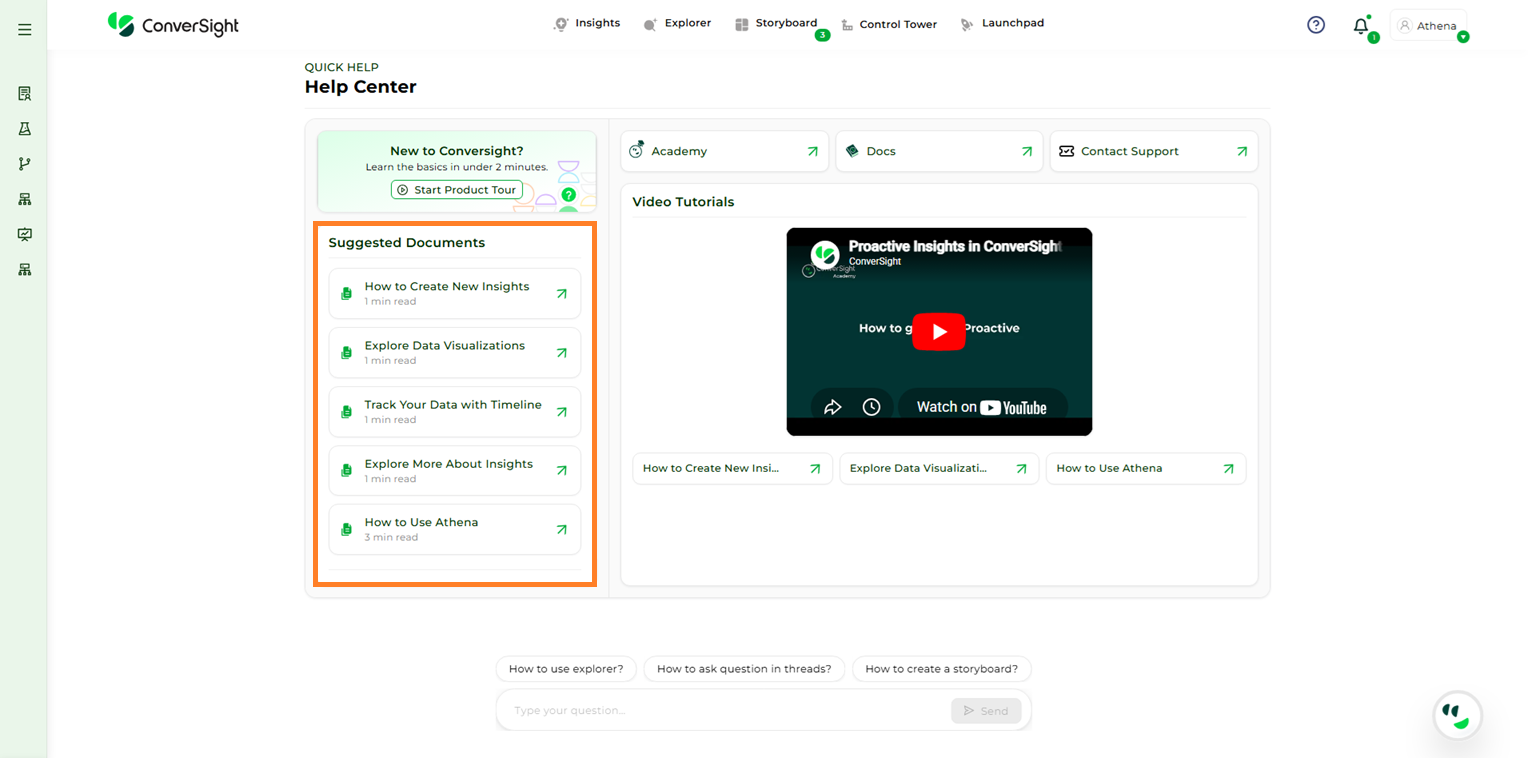
Suggested Documents#
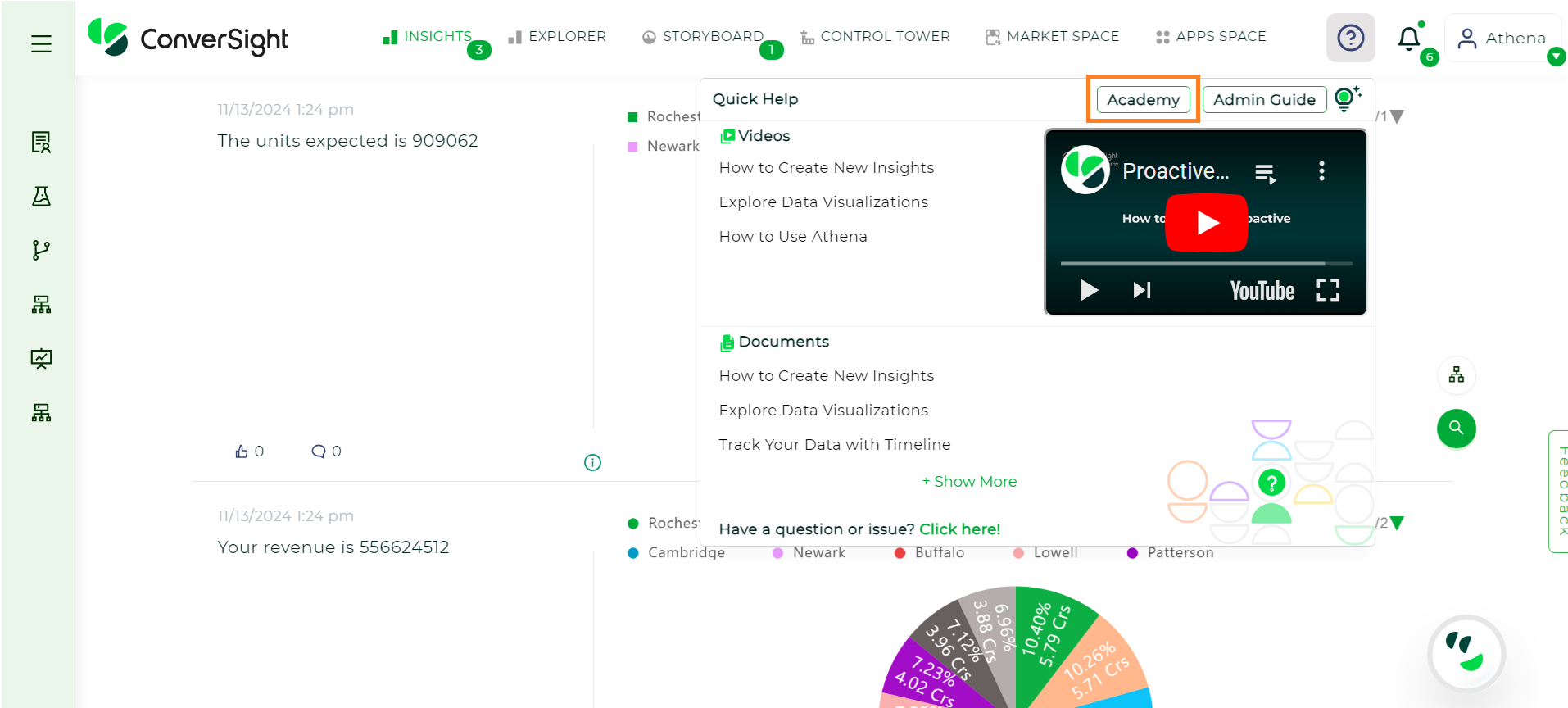
Academy#
The Academy section offers structured learning resources to help users build a strong understanding of the platform. It focuses on practical learning through guided content, best practices, and recommended approaches for working with key features. It helps users adopt efficient workflows and gradually develop expertise, making it easier to use the platform confidently and effectively.
Academy#
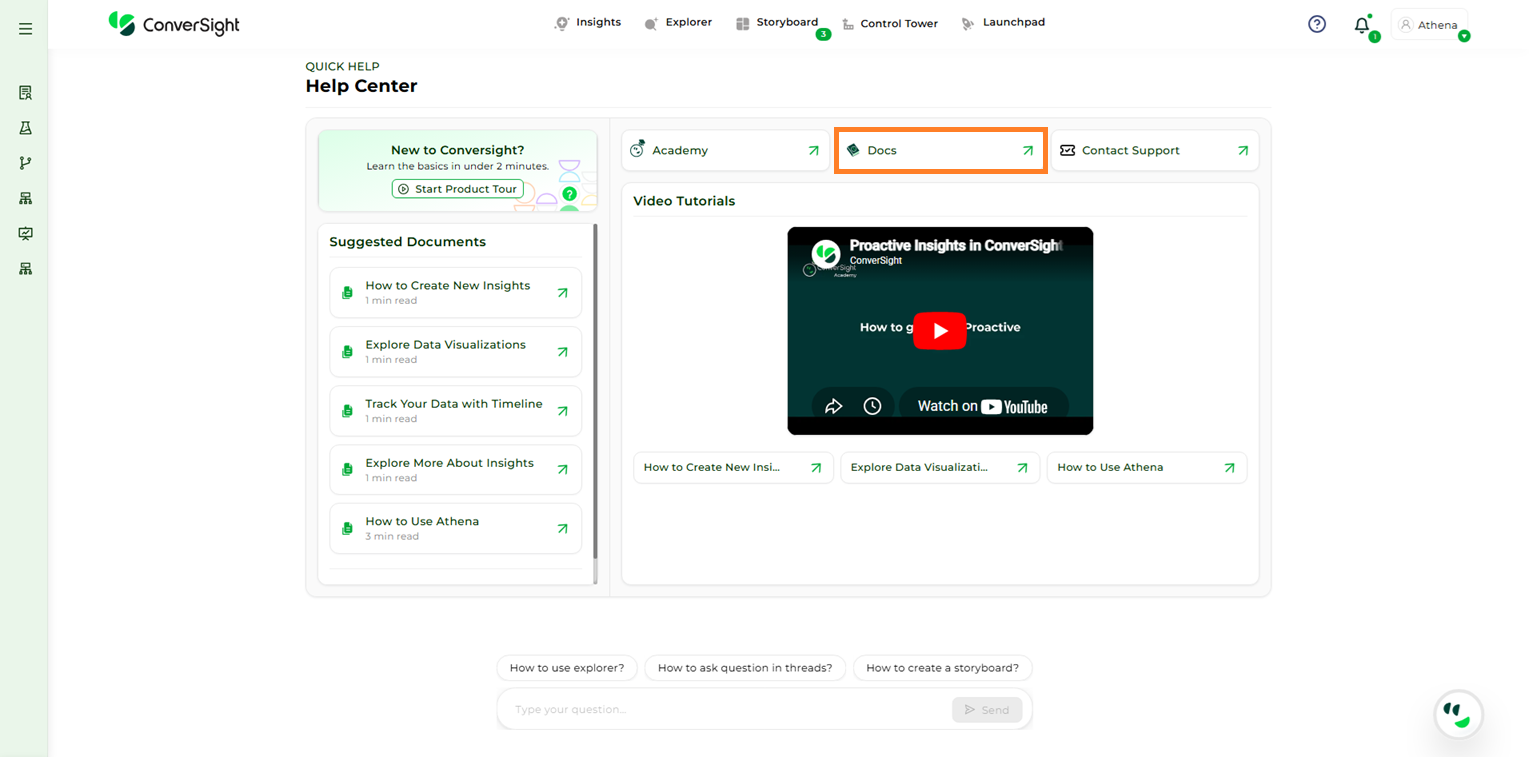
Docs#
The Docs section provides comprehensive product documentation covering all features and functionalities of the platform. It includes detailed explanations, step by step instructions, and structured guidelines to help users understand how different components work and how to use them effectively.
Docs#
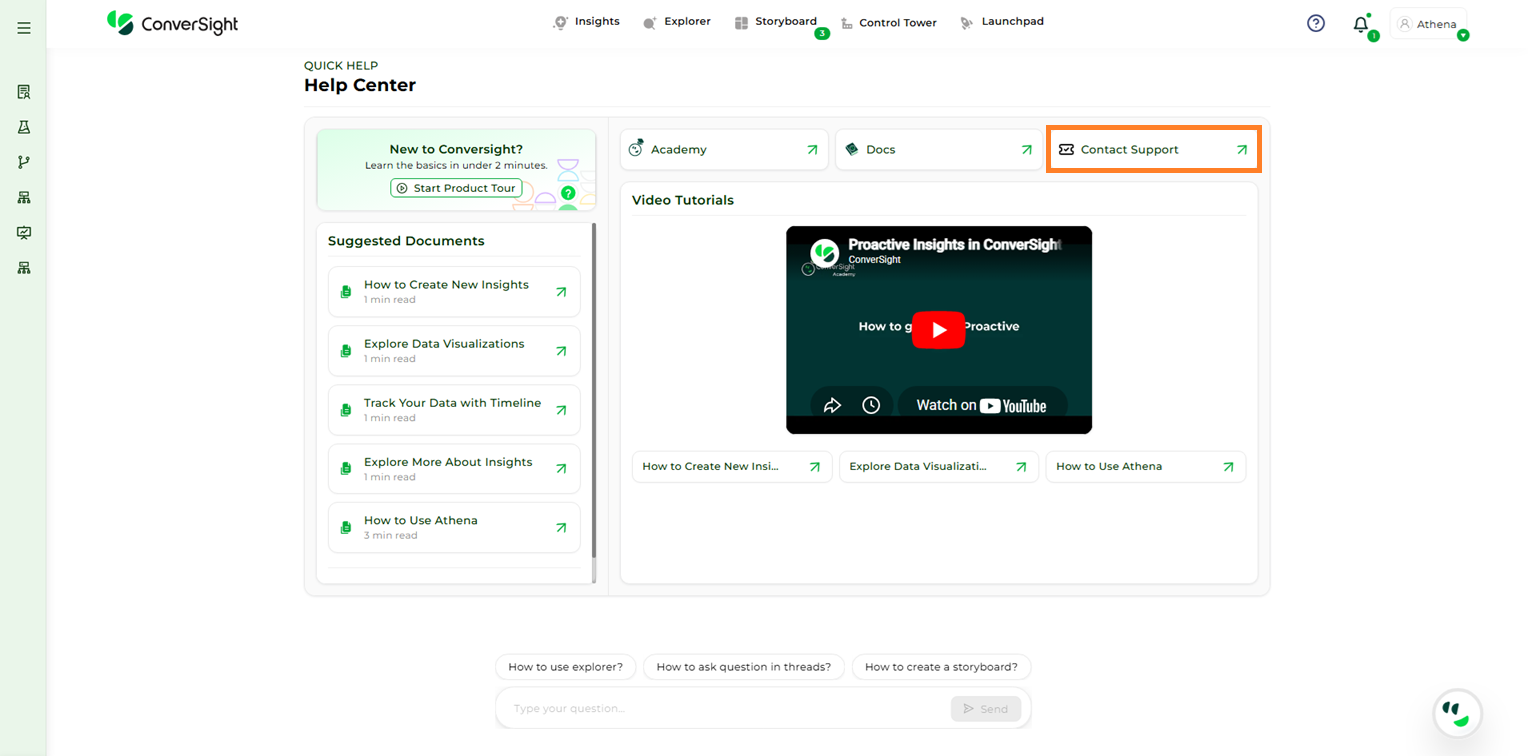
Contact Support#
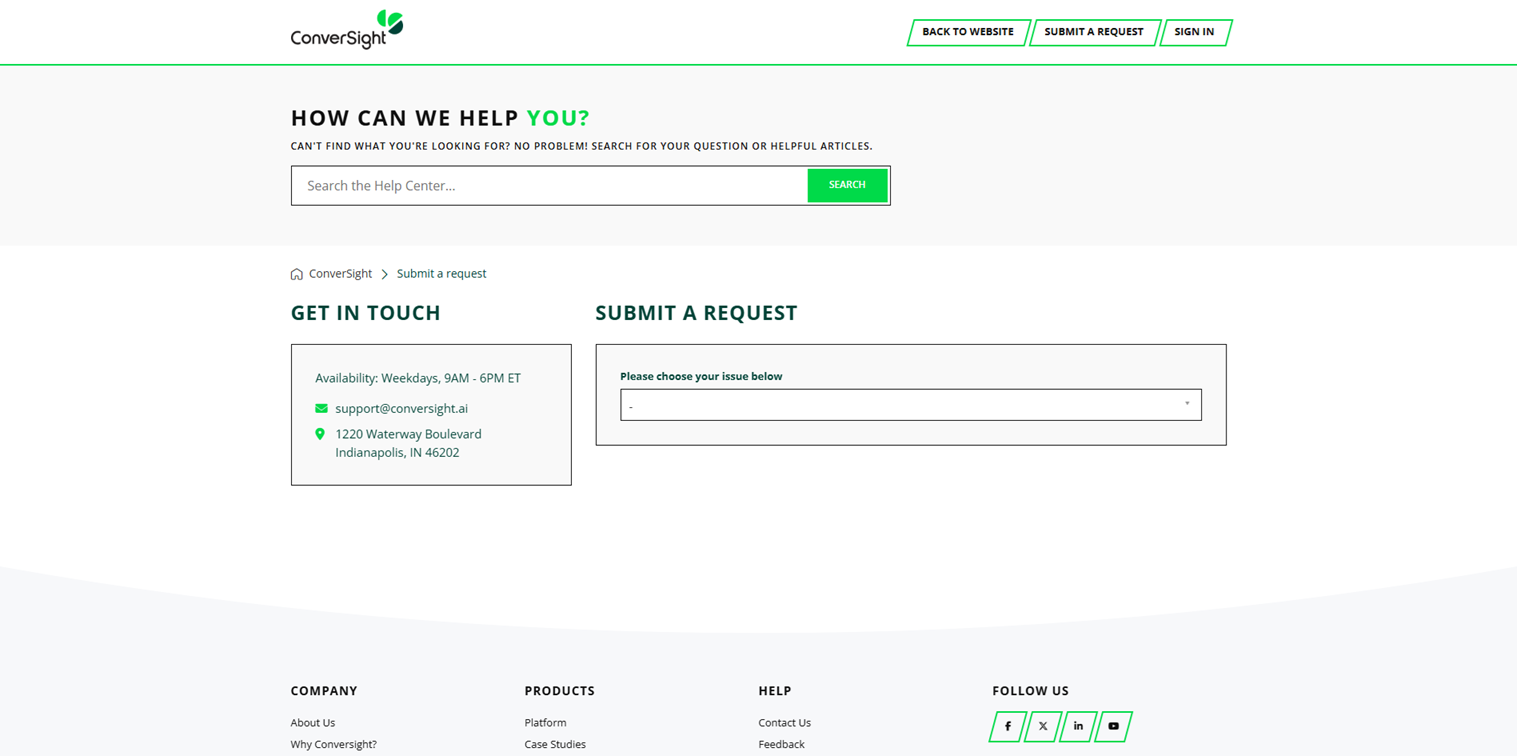
The Contact Support option allows users to reach out to the support team for assistance with platform-related issues or queries. It provides a direct way to report problems, request help, or seek clarification on specific features.
Contact Support#
Users can submit a support request by providing relevant details about the issue, ensuring faster resolution and accurate assistance. This ensures that any challenges encountered during usage are addressed promptly, helping maintain smooth and uninterrupted workflow.
Contact Support#
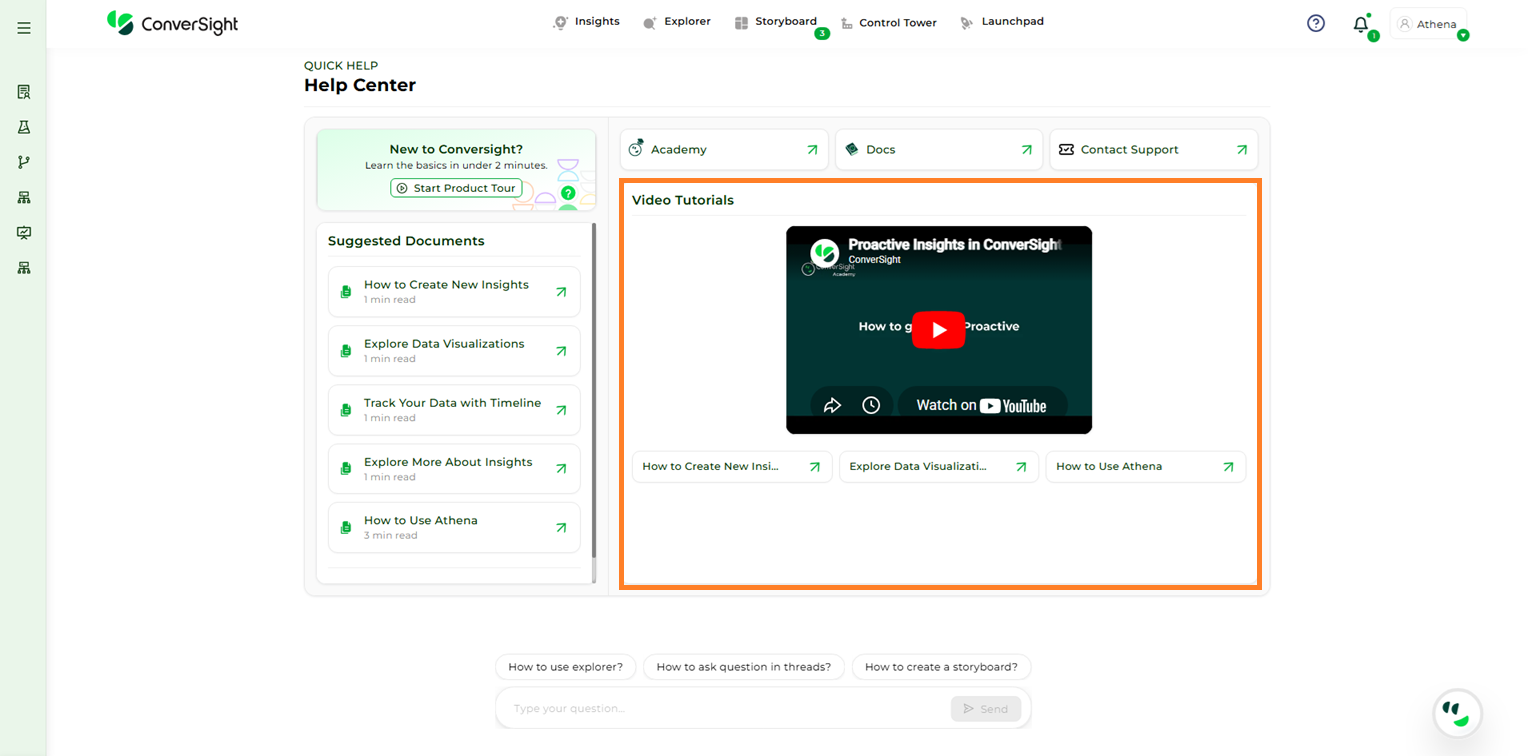
Video Tutorials#
The Video Tutorials provide quick, visual guides to help users understand the features and functions of the ConverSight platforms. These videos are designed to break down complex tasks into simple, step-by-step instructions, making it easier for users to follow along. They are ideal for users who prefer to learn through visual demonstration and concise explanations.
Video Tutorials#
Search and Guided Assistance#
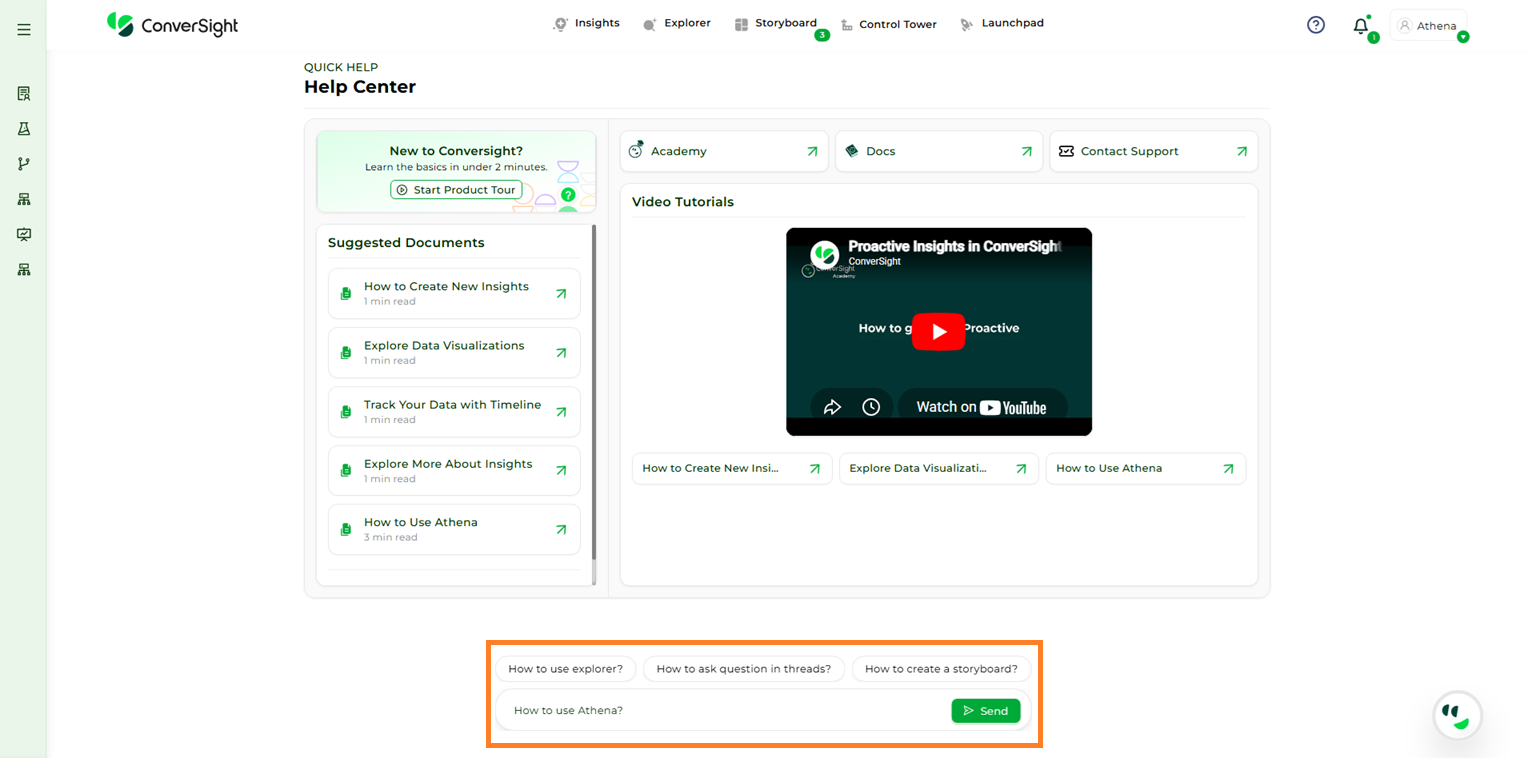
Users can utilize the Search option at bottom of the Help Center, users can interact with a search and query input field, where they can either type their own questions or select from suggested queries such as common tasks or workflows. This feature helps users quickly navigate to relevant resources, reducing the time required to find information.
Search#
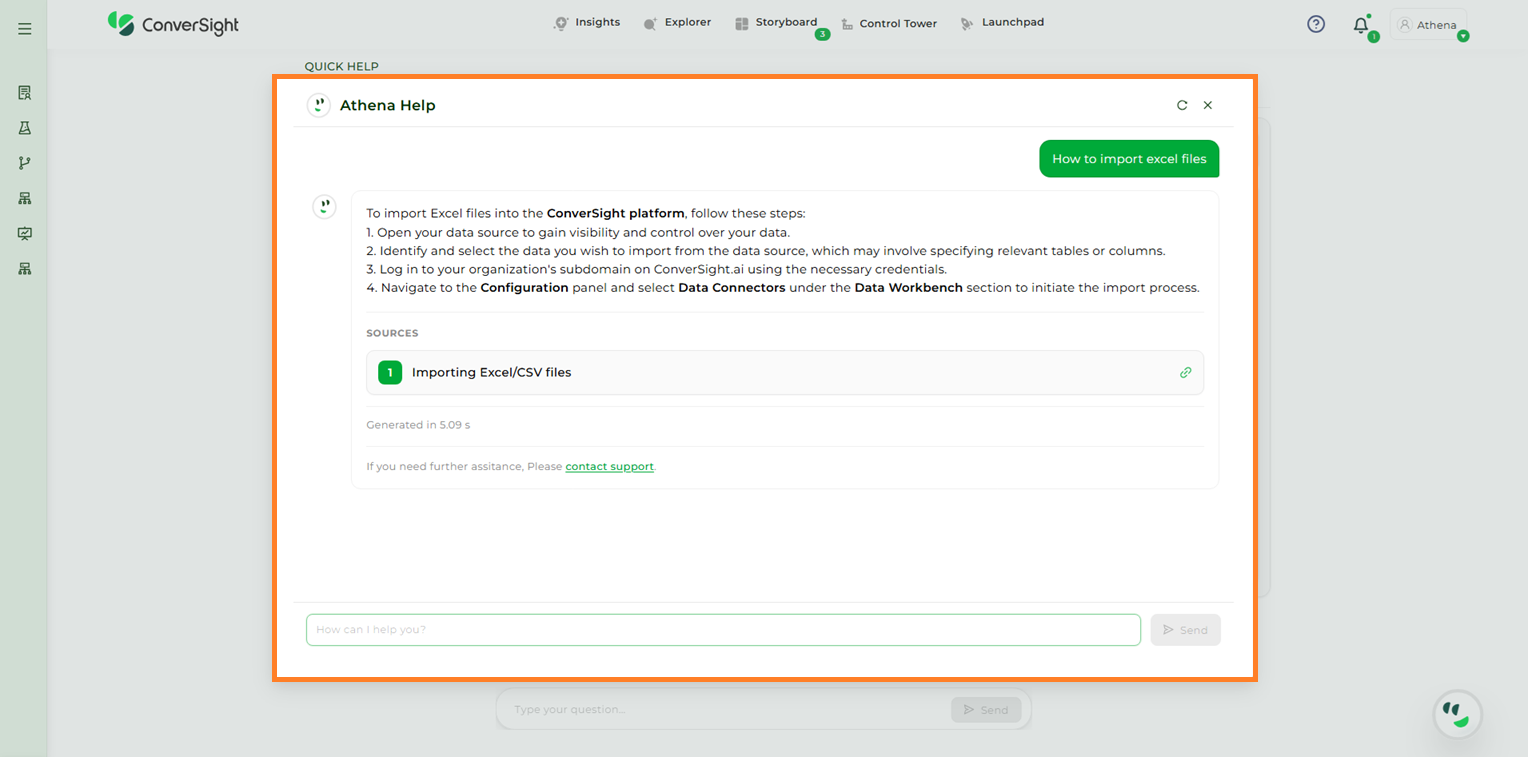
If you type a query and click the Send button, you will be redirected to the Athena Help page, where you can continue the conversation for further assistance.
Athena Help#